Options to get your goodies 3D printed


Don’t have access to a 3D printer? No worries. There are many convenient and affordable options to get your object printed. Here are our suggestions:

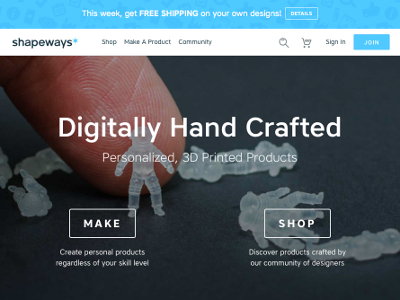
(1) Shapeways

An international 3D print service provider based in New York, USA. More expensive than other possible local options (see 3-4), but top quality with lots of material/color options. To use the service:

  1. Download the 3D file you want to print. It should be an STL file (E.G. myCoolThing.stl).
  2. Create an account.
  3. Upload the file to your account.
  4. Choose the material/color you’d like to print it in.
  5. Checkout and pay.
  6. Wait for goodies to show up in your mailbox.
Shapeways

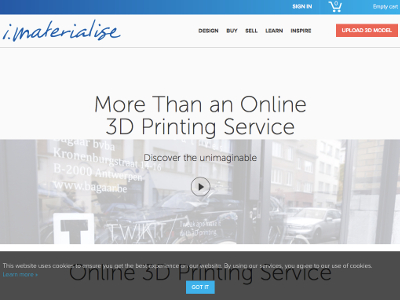
(2) i.materialise

An international 3D print service provider base in Belgium. More expensive than other possible local options (see 3-4), but top quality with lots of material/color options, and probably the best options for our friends outside North America. To use the service:
  1. Download the 3D file you want to print. It should be an STL file (E.G. myCoolThing.stl).
  2. Upload the file.
  3. Choose the material/color you’d like to print it in.
  4. Checkout, start an account (optional), pay.
  5. Wait for goodies to show up in your mailbox.

iMaterialize

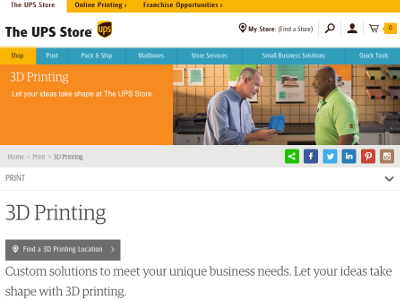
(3) The UPS Store

UPS is starting to put 3D printers in some locations across the US which provides a nice local option for printing. Start by checking if there is a UPS Store in your area that has a 3D printer. (Note that you can choose to pickup your printed widget, or have them mail it to you so you don’t have to have one exactly in your area.) Here’s how to use the service:

  1. Download the 3D file you want to print. It should be an STL file (E.G. myCoolThing.stl).
  2. You can bring the file into the store, or email the file to them (it’s best to check with the branch first).
  3. Sign a copyright wavier/disclaimer, and choose your material/color.
  4. They'll provide you a quote. Pay.
  5. Pick up your goodies or wait form them to show up in your mailbox.

UPS Store

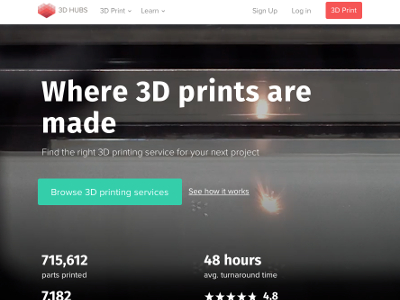
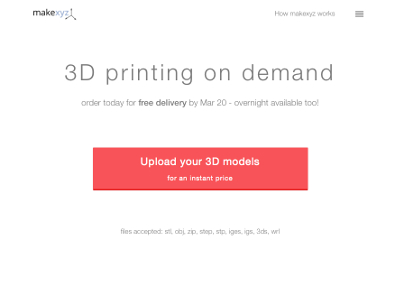
(4) 3D Hubs and MakeXYZ

These sites streamline the process to get your object printed by a 3D print provider in your area. Providers are usually knowledgeable 3D printing hobbyists/individuals and may be the most affordable way to print depending on material. Each site handles the secure payment processing, delivery options (pickup or ship), and provides a rating system to help you evaluate providers. In general to use these services:

  1. Download the 3D file you want to print. It should be an STL file (E.G. myCoolThing.stl).
  2. Upload the file.
  3. Choose the material/color you’d like to print it in.
  4. 3D Hubs lets you select a local provider. MakeXYZ chooses a local provider for you.
  5. Checkout and pay.
  6. Pick up your goodies or wait form them to show up in your mailbox.

3D Hubs

makexyz

(5) Friend with 3D Printer 

This is probably the most complex option; however, very inexpensive and tasty. In general, to use this service:

  1. Download the 3D file you want to print. It should be an STL file (E.G. myCoolThing.stl).
  2. Save the file to a USB thumb drive.
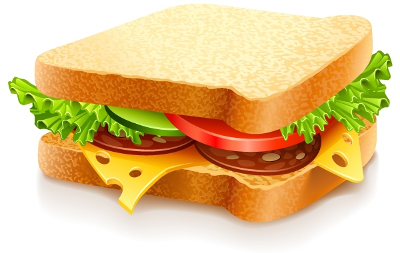
  3. Make two delicious sandwiches and package them neatly into a sack.
  4. Go to friend's home.
  5. Present one sandwich and thumb drive to friend.
  6. Choose the material/color you’d like from your friend's selection of filament.
  7. After print starts, pull out additional sandwich and strike up interesting conversation with friend while enjoying sandwiches.
  8. When print finished, obtain your printed object and put it into the sack for safe transport.

Delicious sandwhich.

created by GianFerdinandCC Attribution 4.0.